Suunto 7 User Guide
Table of Content
Table of Content
- Cinema mode
Cinema mode
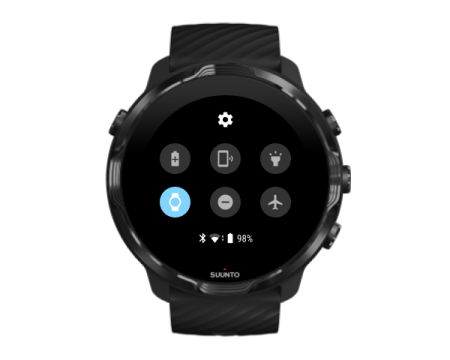
You can silence your watch during sleep by turning on Cinema mode from the watch system settings. Cinema mode turns your display off so that it will not disturb you during sleep or while getting to sleep.
While in Cinema mode, your watch will also silence all notifications excluding alarms.
To activate Cinema mode:
- While on the watch face, swipe down from the top of the screen.
- Tap the Cinema mode icon
